Random Team Generator for Work: The Silo-Breaker Agile Workplace Playbook
Break down team silos and organize breakout sessions without friction using this practical workplace playbook for random team generation. Designed for Scrum Masters and Agile Coaches, this protocol combines mathematical team allocation ($N = 3\text{--}5$ members), automated role assignment, and 1-click Markdown exports for Slack and Microsoft Teams.
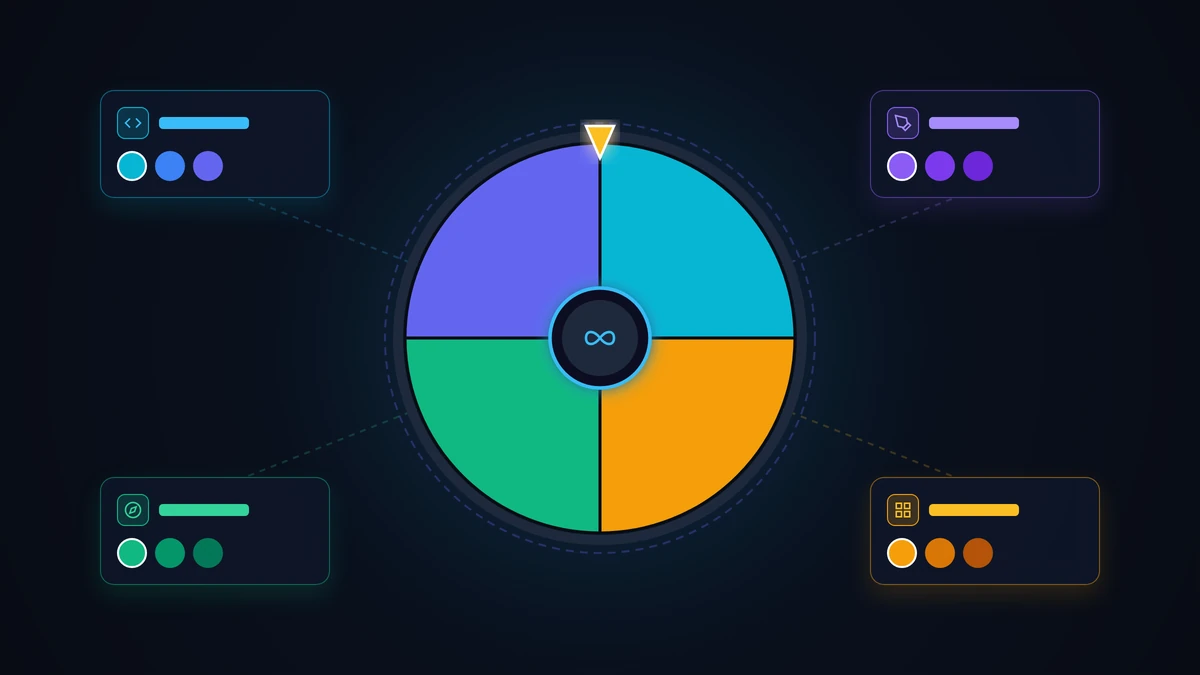
⚡ 30-Second Fast Track: How to Split Your Meeting Right Now
Running a live meeting right now? Execute this 3-step rapid workflow without reading the full playbook:
- Paste Roster: Copy participant handles from Slack, Google Meet, or Zoom into the Team Picker Wheel (auto-sanitizes raw text in 3 seconds).
- Select Constraint: Choose fixed team size ($S = 3\text{--}4$ for Retros) or room count ($K$ for Hackathons) and click Auto-Spin.
- 1-Click Broadcast: Click Copy Slack Markdown and paste the pre-formatted roster into your meeting chat or channel canvas.
Workplace Playbook Table of Contents
Instant Setup: From Raw Slack Rosters to Balanced Teams in Thirty Seconds
Sorting breakout groups manually wastes meeting momentum, introduces accidental favoritism, and concentrates vocal personalities in a single room. Using an automated, client-side spinner divides complete participant rosters into balanced cohorts in seconds.
Bulk Pasting and Sanitizing Rosters from Slack and Spreadsheets
Open your Slack channel details, copy the member handle list, or export attendees from a Google Sheets RSVP tracker. Paste the raw text directly into the roster input area. The tool automatically cleans up extra commas, tabs, and corporate email domains, turning messy pasted text into clean names in under 3 seconds.
// Sample Raw Roster Input (Slack / Excel copy-paste):
alex.chen, Priya Sharma, @marcus.dev, Elena Rostova
David Kim <[email protected]>, Sarah Jenkins, Jamal Washington
Tanya Petrova, Liam O'Connor, Wei Zhang, Chloe Martin@ symbols intact. The markdown exporter preserves user tags for immediate visual recognition and quick searchability when rosters are published to channel messages or living canvases.
Configuring Room Quotas versus Team Sizing Constraints
Workplace workshops demand different grouping math depending on whether meeting objectives prioritize broad ideation or intimate decision-making. You can configure allocation using two distinct mathematical constraints:
- Fixed Group Count ($K$ Teams): Specify the exact number of breakout rooms available (e.g., 4 rooms for 4 workshop facilitators). The algorithm distributes $N$ participants evenly across $K$ rooms, balancing remainders dynamically so no room differs by more than one person ($|S_i - S_j| \le 1$).
- Fixed Team Size ($S$ Members per Pod): Set your target group size (e.g., 3 people for an intimate retro). The tool calculates the required room count ($K = \lceil N/S \rceil$) so discussions stay focused and manageable.
| Meeting Context | Optimal Constraint | Recommended Setting | Rationale |
|---|---|---|---|
| Sprint Retrospective | Fixed Team Size | 3 to 4 members | Maximizes speaking airtime; prevents passive bystander silence |
| Cross-Functional Hackathon | Fixed Group Count | 4 to 6 teams | Matches available mentor/judge tracks and breakout channels |
| Lean Coffee Knowledge Swap | Fixed Team Size | 4 to 5 members | Encourages multi-departmental diversity without communication drag |
| Speed Networking / Icebreaker | Fixed Team Size | 2 members (Pairs) | Accelerates 1-on-1 trust and psychological safety |
Executing Hands-Free Continuous Auto-Spin for Live Screen Shares
Clicking a digital spinner repeatedly during screen shares disrupts conversational flow. Our hands-free wheel spinner eliminates this friction with Continuous Auto-Spin.
When sharing your window in Zoom or Microsoft Teams, toggle the Auto-Spin mode. The wheel spins dynamically, selects a participant, tags their assigned breakout squad with an animated banner, and immediately triggers the subsequent spin without manual intervention. Mechanical audio ticks provide crisp auditory feedback, maintaining high visual engagement across remote distributed attendees while you prepare the breakout rooms.
Fast-Track Handoff: Exporting into Slack, Zoom, and Teams in Seconds
Facilitators should never waste meeting time transcribing group assignments from web tools into chat channels.
One-Click Markdown Formatting for Slack, Teams, and Living Canvases
Modern agile organizations coordinate across hybrid workspaces. After your wheel completes its allocation, click the Copy Slack Markdown button. The engine formats the entire roster into clean, structured Markdown syntax ready for channel messages, persistent Slack Canvases, or Microsoft Teams Loop components:
### 🚀 Sprint 42 Retrospective Breakout Teams

**Team 1 — Alpha** (Room 1)
* 👑 Alex Chen (Facilitator)
* ⏱️ Priya Sharma (Timekeeper)
* Jamal Washington
* Chloe Martin

**Team 2 — Beta** (Room 2)
* 👑 Elena Rostova (Facilitator)
* ⏱️ David Kim (Timekeeper)
* Sarah Jenkins
* Liam O'Connor

**Team 3 — Gamma** (Room 3)
* 👑 Wei Zhang (Facilitator)
* ⏱️ Marcus Vance (Timekeeper)
* Tanya Petrova
Paste this block directly into your meeting channel or Zoom chat. Because participant names retain their Slack handles, team members can instantly spot their name and know their designated room immediately.
The Self-Select Breakout Protocol for Zoom, Teams, and Google Meet
Manually dragging 30 attendees across virtual breakout rooms during a live call is the single biggest bottleneck for remote facilitators. Experienced Scrum Masters speed up room assignments across major video platforms with two simple methods:
- Zoom and Microsoft Teams (Self-Select): In the breakout configuration panel, select "Let participants choose room". Paste the exported Markdown roster into the meeting chat 60 seconds before opening rooms. Attendees match their assigned room number and self-route in under 15 seconds, eliminating manual host drag-and-drop entirely.
- Google Meet (Direct Room Links): Google Meet lacks participant self-selection. Instead, facilitators copy-paste pre-generated breakout links directly into the team's Slack channel or Canvas table so attendees jump straight into their assigned rooms without waiting for the host.
Facilitation Protocols: Eliminating the Awkward Breakout Freeze
Splitting coworkers into a breakout room is only half the battle. When four employees from different departments enter a virtual room, an awkward "silent standoff" often ensues: no one knows who should share their screen, who should take notes, or who speaks first.
Auto-Assigning Facilitators and Timekeepers to Beat the Silence
As organizational researcher Prof. Amy Edmondson (Harvard Business School) demonstrated, team performance hinges on psychological safety—the shared belief that a group is safe for interpersonal risk-taking. In unmoderated breakout rooms, unfamiliar colleagues often experience conversational paralysis: junior team members hesitate to speak first, and groups lose valuable minutes to polite deference.
The Team Picker Wheel eliminates this friction by attaching explicit role badges directly during the randomized draw:
- Captain / Facilitator (👑): Granted to the first person drafted into the team. Their sole responsibility is opening the whiteboard, reading the exercise prompt, and calling on the first speaker.
- Timekeeper (⏱️): Granted to the second drafted person. They track the countdown clock and ensure the group leaves 2 minutes for synthesis.
- Contributor / Reporter (📝): Remaining pod members who drive brainstorming and deliver findings back to plenary sessions.
Having an impartial wheel assign roles takes the social pressure off participants—no awkward silences waiting for a volunteer, and no one feeling forced to take charge.
The Ten-Minute Deliverable Contract on Miro, Mural, and FigJam
Vague instructions like "Go discuss sprint bottlenecks" usually lead to awkward silence or unfocused complaints. Remote and hybrid breakout rooms require a concrete Deliverable Contract to anchor conversational focus:
- The "Write First, Talk Second" Protocol: Dedicate the first 2 minutes of the breakout to silent digital writing (e.g., adding sticky notes to Miro, Mural, or FigJam without speaking). Silent brainwriting levels the playing field between introverts and extroverts before verbal debate starts.
- Single Artifact Rule: Every room must produce a specific tangible output before the timer expires (e.g., "Agree on two key sprint blockers on Board Column B").
- Pre-Baked Board Links: The Facilitator pastes the direct URL to the designated whiteboard frame into the Slack/Teams chat prior to opening breakout rooms.
- Visible Countdown Clock: Set a strict 10-minute timer with a 60-second automatic warning buffer to maintain velocity and prevent conversational drift.
Breakout Frameworks for Sprint Retrospectives and Cross-Department Exchanges
Departmental silos kill cross-team innovation. When people pick their own groups, developers naturally sit with developers, designers stick with designers, and senior staff dominate conversations. Using random assignment breaks those habitual cliques and gets different roles talking to each other.
Individual Team Member (n = 8) ─── Communication Channels: 28
      O ─── O
    /   \ /   \
   O ─── X ─── O    Formula: C = n(n - 1) / 2
    \   / \   /
      O ─── O
Breakout Pod (n = 4) ───────────── Communication Channels: 6  (78% Reduction in Cognitive Overhead)
To optimize your team's collaborative rituals:
- Sprint Retrospectives (Speed Boat & 4Ls): Split squads into 3-to-4 member pods for an 11-minute deep dive into workflow bottlenecks. By reducing communication channels from 28 to 6, small pods establish the psychological safety identified in Google's Project Aristotle, ensuring junior contributors speak early and candidly without intimidation.
- Cross-Department Lean Coffee & Knowledge Swaps: Divide multi-departmental cohorts into randomized 4-person pods for bi-weekly 30-minute knowledge exchanges. Randomized pairing puts Mark Granovetter's seminal "Strength of Weak Ties" theory into practice, connecting isolated departments without political friction.
- Decision Randomization: You can also use our custom decision wheels to impartially assign retrospective agenda topics, prioritize backlog ideation challenges, or rotate sprint demo owners.
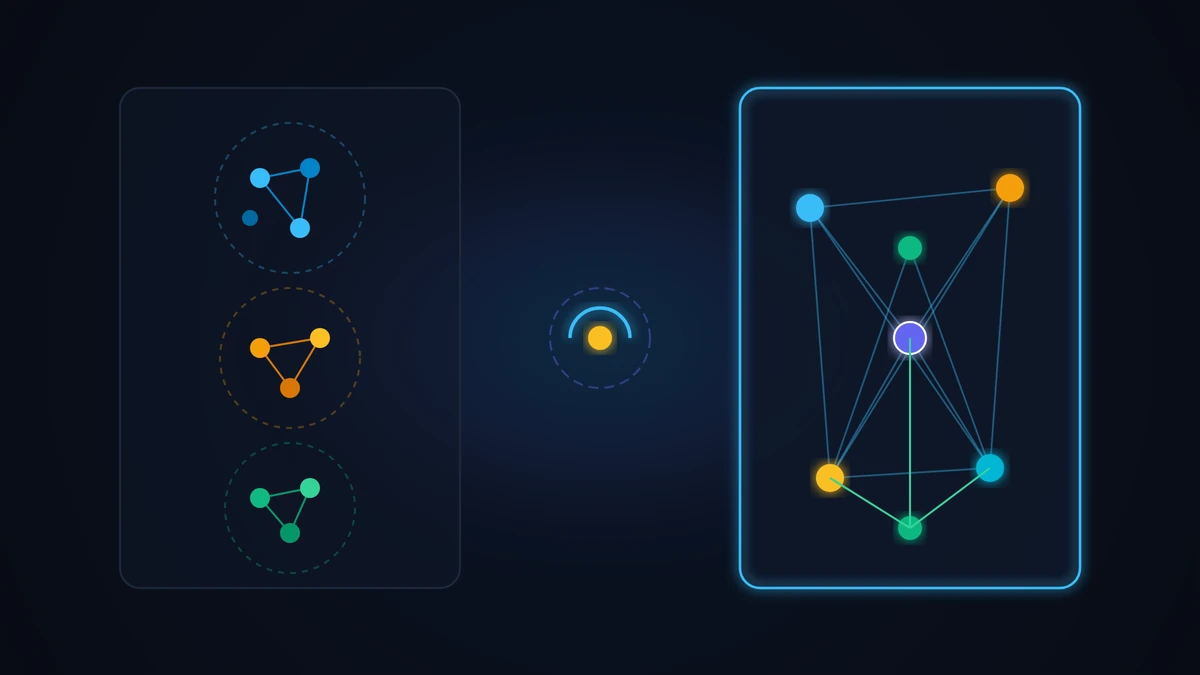
The Five-Minute Plenary Convergence: Dot-Voting Without Debrief Drag
The biggest time sink in breakout sessions happens during plenary re-entry. When small pods return to the main call and each group verbally recounts their discussion, participants tune out, conversations drag, and meetings run late.
To harvest cross-silo insights rapidly while preserving meeting velocity, agile facilitators implement the Plenary Convergence Protocol:
- Centralized Sticky Canvas: During the final 60 seconds of breakout discussions, each squad's Reporter pastes their agreed deliverable onto a single, unified digital whiteboard frame (Miro, Mural, FigJam, or Slack Canvas).
- Silent Dot-Voting: Rather than verbal presentations, grant every attendee three digital voting tokens (or emoji stamps) to silently review and vote on high-impact ideas across all pods in under three minutes.
- The Single Experiment Limit: Avoid diluting focus with an unmanageable list of follow-ups. Narrow the convergence down to the top one or two highest-voted items, attach an explicit owner, and close the meeting on time with clear consensus.
Managing Complex Edge Cases and Stratified Grouping
Live enterprise meetings require handling skill imbalances, late arrivals, sudden dropouts, and multi-round rotations on the fly.
Avoiding the All-Junior Trap with Stratified Randomization
Pure blind randomization carries a subtle risk in engineering workshops: one room ends up with only junior engineers and zero technical leadership, while another room clusters three Principal Architects.
To guarantee balanced multidisciplinary capability, execute Stratified Randomization:
- Stage 1 (Lead Draw): Input your senior leads or domain experts (e.g., 4 Tech Leads for 4 rooms). Spin the wheel to seed exactly one lead into each squad.
- Stage 2 (Cross-Functional Draw): Input product managers and designers, distributing them across the remaining captain-anchored rooms.
- Stage 3 (General Pool): Pour the broader engineering roster into the wheel to fill all remaining seats to target capacity.
This two-tier draft preserves the excitement and impartiality of a random draw while guaranteeing that every breakout pod possesses the technical maturity needed to achieve its deliverable contract.
Distributing Remainder Attendees with the Ceiling-Floor Rule
Dividing 17 people into 4-person teams leaves a remainder ($17 \div 4 = 4$ remainder 1). Basic online generators often dump that leftover person into an awkward 1-person room alone.
A fair team generator uses Euclidean division ($N = q \cdot K + r$) so no room differs by more than one person ($|S_i - S_j| \le 1$), distributing remainder members evenly (see our mathematical proof in fair team allocation algorithms):
- Fixed Room Count ($K = 4$ Rooms): Dividing 17 attendees across 4 rooms yields $q = \lfloor 17/4 \rfloor = 4$ and remainder $r = 1$. Exactly 1 squad absorbs the extra member ($S + 1 = 5$), while the remaining 3 squads retain base size ($S = 4$). Squad distribution: [5, 4, 4, 4].
- Strict Capacity Cap ($S_{\max} = 4$ Members): If room size must never exceed 4, the room count expands to $K = \lceil N / S_{\max} \rceil = \lceil 17/4 \rceil = 5$ rooms ($17 = 3 \times 5 + 2$). Squad distribution: [4, 4, 3, 3, 3].
When operating under a fixed room count with a 5-member pod, assign that squad to the workshop track with the broadest exploratory brief to absorb the additional voice without conversational drag.
Handling Late Joiners, Dropouts, and Multi-Round Workshop Rotations
Facilitators must manage in-flight changes smoothly:
- The Hybrid "Huddle Trap" Prevention: In hybrid meetings where some members sit together in an office conference room while others dial in remotely, never cluster all physical attendees into one breakout room. Distribute in-room and remote colleagues evenly across squads. Instruct in-room participants to join the breakout on individual laptops in Companion Mode (with laptop mic and speaker muted) to participate in chats and whiteboards without acoustic echo.
- The Floating Wildcard: Assign late arrivals as roving scribes or co-facilitators to the smallest existing squad rather than re-spinning the whole room.
- Dropout Reassignment: If a participant drops off the video call, the pod's Timekeeper immediately assumes the Facilitator duties if the original Facilitator disconnected.
- Multi-Round World Café Rotation: For workshops with sequential discussion rounds, keep the designated Facilitator seated at their virtual table as "Table Host". Spin the remaining members into new rooms for Round 2 to share discoveries across the company.
The 1-Swap Heuristic for Interpersonal and Context Clashes
Pure random allocation occasionally pairs two engineers who experienced an acute technical disagreement right before the retrospective, or places the only two DevOps specialists in the same breakout pod.
Re-spinning the entire roster undermines team trust and wastes meeting momentum. Instead, establish the 1-Swap Protocol before spinning:
- The Transparent Trade: Announce upfront that one mutual swap is permitted if requested for cross-functional balance or psychological safety.
- Symmetric Exchange: Swap one person with someone of similar role or seniority in another room rather than reshuffling everyone. This keeps the draw fair and random without derailing team collaboration.
Enterprise Security and Zero-Data-Retention Compliance
Pasting employee rosters or internal project codenames into consumer websites poses severe InfoSec risks. Many ad-driven tools harvest inputs for third-party trackers. Unlike ad-cluttered consumer generators, our dedicated Team Picker Wheel runs 100% ad-free with zero server logging.
In-Browser Web Crypto Execution and Zero Server Logging
Most online spinners use remote REST backends where user inputs are transmitted over the wire and logged in server telemetry. In contrast, the TheSpinTheWheel architecture executes entirely within the browser sandbox via the HTML5 Canvas and the browser's native Web Crypto API (crypto.getRandomValues).
TRADITIONAL AD SPINNERS (Data Risk):
Browser (Roster) ──[HTTP POST]──> Web Server (Database Logs / IP / PII Tracking)

THESPINTHEWHEEL ARCHITECTURE (Zero Data Retention):
Browser (Roster) ──[Local RAM Only]──> Web Crypto API (100% Client-Side CSPRNG)
                ↳ Zero Server Calls | Zero Cookies | Zero Database Logs
Because 0 network packets containing your employee roster ever leave the client machine, your organization remains fully compliant with internal data security standards, SOC 2 privacy controls, and GDPR regulations. Because all random numbers derive from cryptographically secure hardware entropy, outcomes remain tamper-proof and unbiased, eliminating the subtle social friction and decision fatigue inherent in manual meeting facilitation.
Stateless URL Fragment Sharing for Workshop Co-Facilitators
Co-facilitators managing multi-track workshops often need the exact same wheel setup. Instead of saving rosters to a cloud database, TheSpinTheWheel encodes configurations directly into a shareable link using URL fragment hashing:
https://thespinthewheel.com/team-picker-wheel#data=eJzT0yvJSVfILU4tKkstUj...
The compressed payload exists solely after the # hash delimiter. Web browsers never transmit fragment identifiers to origin servers in HTTP request headers. As a result, internal project names and employee lists remain completely invisible to intermediate network proxies and hosting servers.